How to Stay Focused at Work: Build a Routine That Lasts
Learn how to stay focused at work by finding your biggest drains, protecting focus blocks, handling interruptions and restarting fast after breaks.
It's 10:40 on Tuesday. A document due today is half written. You've answered four nonurgent messages and reread the same paragraph three times. Your phone is beside the keyboard, and a browser tab you opened for later is still waiting.
That's not a character flaw. It's what happens when work that needs uninterrupted time meets a job that expects you to be available.
Staying focused at work means protecting time for a specific task, deciding which interruptions need an immediate response, and making it easy to resume when you stop. Start by finding your biggest focus drain. Then protect one block, route incoming requests, and use a restart note to get back on track.
Fix the Problems That Keep Breaking Focus
Pick Your First Focus Change Today
A daily sequence worth testing
Restart Fast After Every Break in Focus
Sort the request before you answer it
Six steps that make a block hold
How to Build a Focus Block You Can Protect
Find Where Your Focus Is Leaking
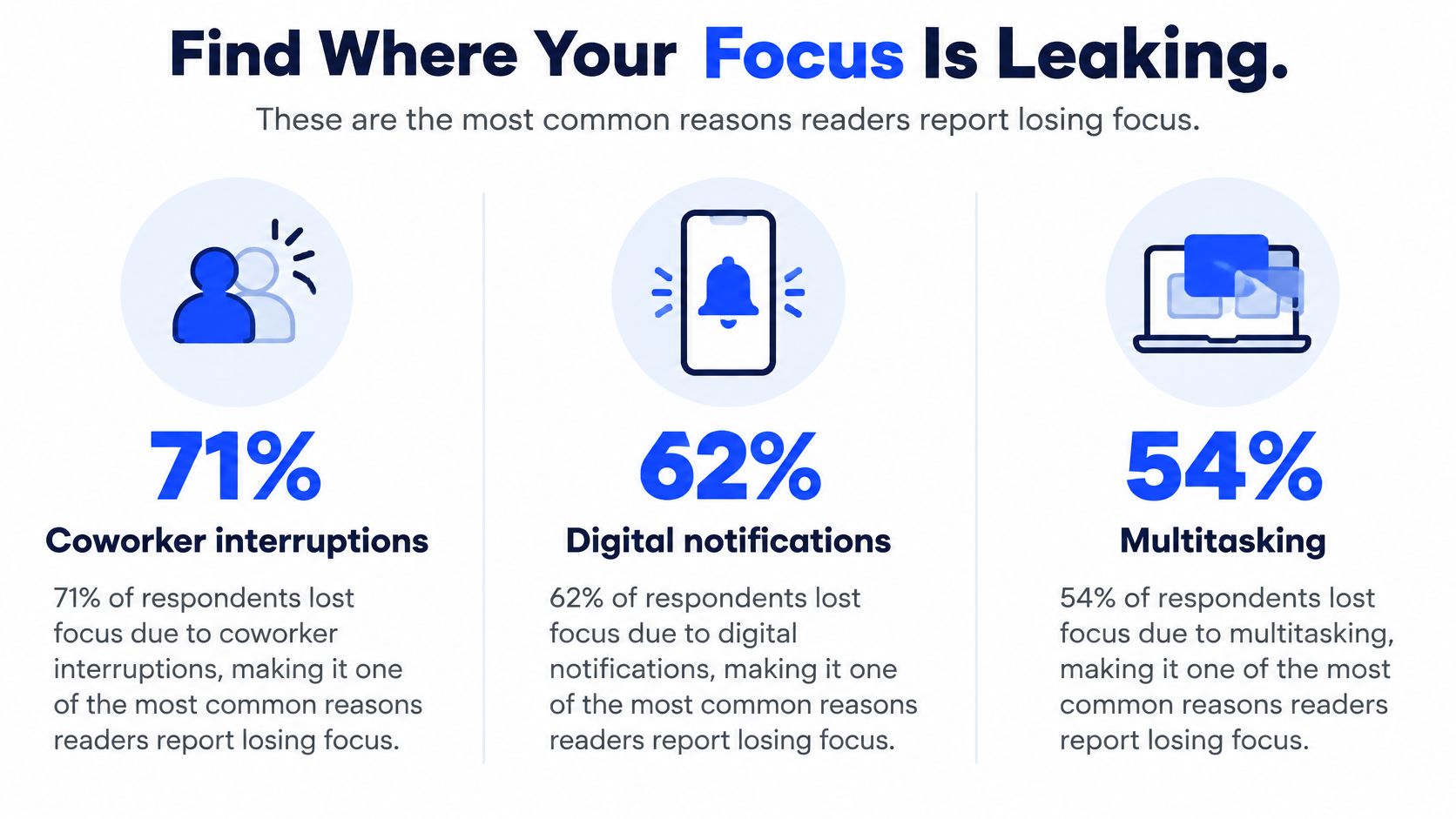
Before changing your routine, find out what actually pulls you away. Coworker questions, notifications, and searches for missing information need different fixes.
In a 2024 U.S. workplace survey by Insightful, 71% of respondents named coworkers as their main focus drain, while 32% cited email notifications (Fast Company's report on the survey).
| Drain | Reported Scale | First Fix |
|---|---|---|
| Coworker questions and drop-ins | 71% named coworkers as their main focus drain (Insightful, 2024) | Set office hours or a shared status message |
| Email notifications | 32% cited email notifications (Insightful, 2024) | Turn off banners and check email at set times |
| Searching for information | 47% reported spending 1 to 5 hours a day finding what they need (CAKE.com, 2025) | Keep one shared reference document for repeat questions |
These surveys cover different people in different years. Use the figures to spot possible drains, not to predict your own day.
Try this today: log each interruption, its cause, and how long it takes you to resume. If two tasks keep competing for the same hour, use the log to see which one wins by default. That can also help you start handling competing priorities.
Build a Focus Block You Can Protect
A focus block needs a clear outcome, a boundary others can see, and a way back if you get interrupted.
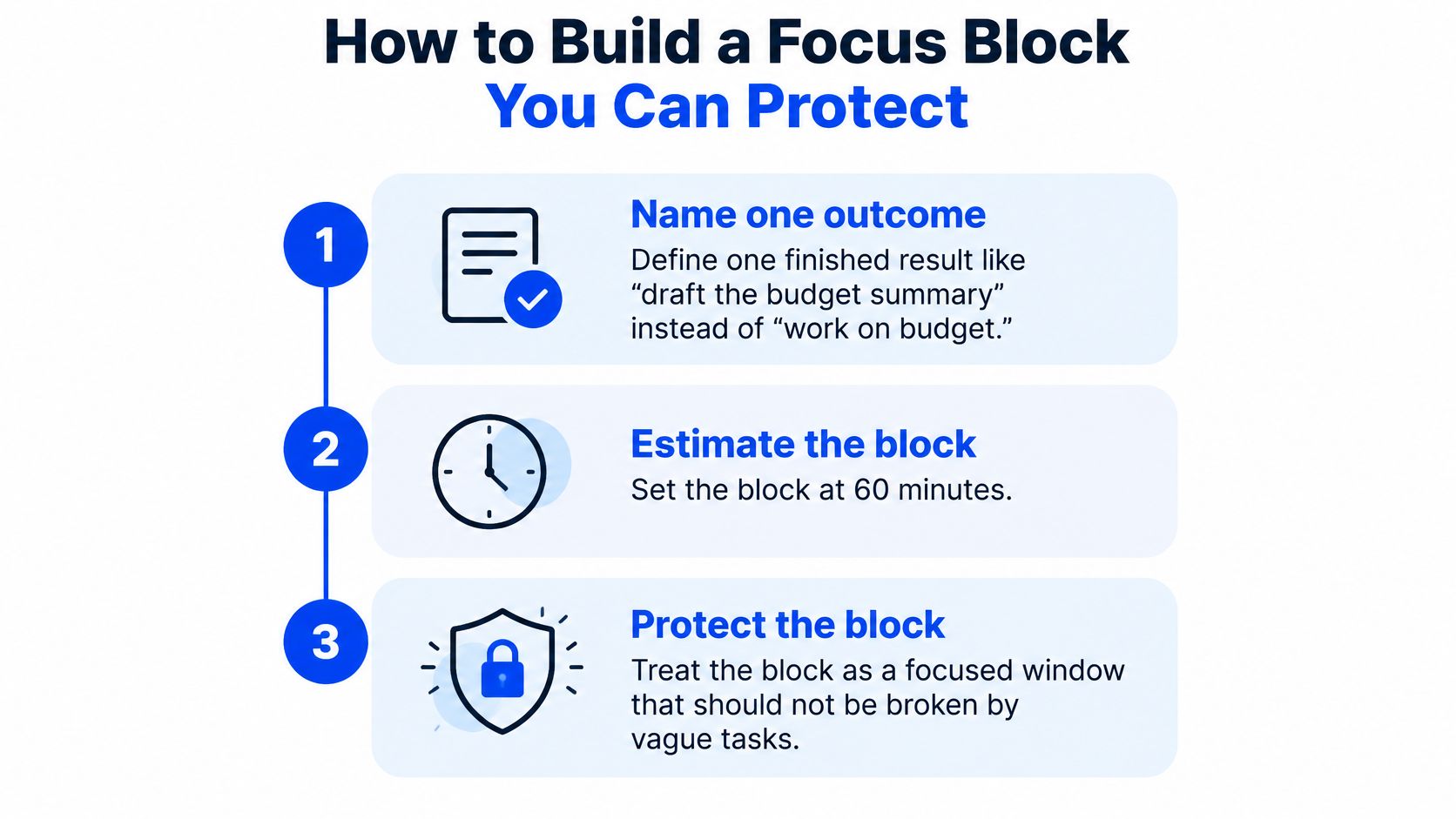
- Define the result. "Draft the budget summary" gives you a stopping point; "work on the budget" doesn't.
- Reserve 60 to 90 minutes if your schedule allows. Shorten the block if you need to stay available.
- Remove your biggest trigger. Close email, silence nonurgent alerts, or put your phone out of reach.
- Make the boundary visible. Set a timer and tell relevant teammates when you'll check messages.
- Write the first action. Leave one concrete step on a note so you can start without planning again.
- Begin with five easy minutes. Edit a familiar paragraph or fill in a section you already know.
Here's a short walkthrough of the setup:
At the end, record what you finished and where to start next time. If something interrupted you, note that too.
Handle Interruptions Without Ignoring People
Some requests cannot wait. A blocked customer or teammate may need an answer now. The point isn't to ignore people; it's to distinguish urgent work from messages that can wait until your next check.
In a 2025 naturalistic study of knowledge workers, participants deviated from their main task every 3.5 minutes on average, and nearly 60% of off-task time came from self-initiated interruptions (ETH Zurich research collection). The study also found that multitasking's effects depended on context. Not every switch is wasted effort.
Microsoft reported that employees were interrupted up to 275 times per day during core work hours by meetings, emails, or chats, roughly once every two minutes (CPA Practice Advisor's summary of the Microsoft findings). You need a rule for what gets an immediate response.
Ask two questions: Will someone remain blocked if I wait? What will switching cost right now? Then sort the request.
| Interruption Type | How to Handle It | Response Window |
|---|---|---|
| Urgent problem blocking a customer or colleague | Respond now; note where you stopped | Immediately |
| Request with a deadline | Acknowledge it and schedule the work | Within 2 hours, if the deadline allows |
| Routine question | Batch it with other replies | At a scheduled check |
| Self-started email, news, or chat check | Write down the urge and return to the task | At your next scheduled check |
A quick acknowledgment can protect the block: "Got it. I'll send that by 3." Adjust the timing to the actual deadline rather than the volume of the notification.
Restart Fast After a Break in Focus
An interruption can lead to more tasks before you return to the first one. Make the return easy before you switch.
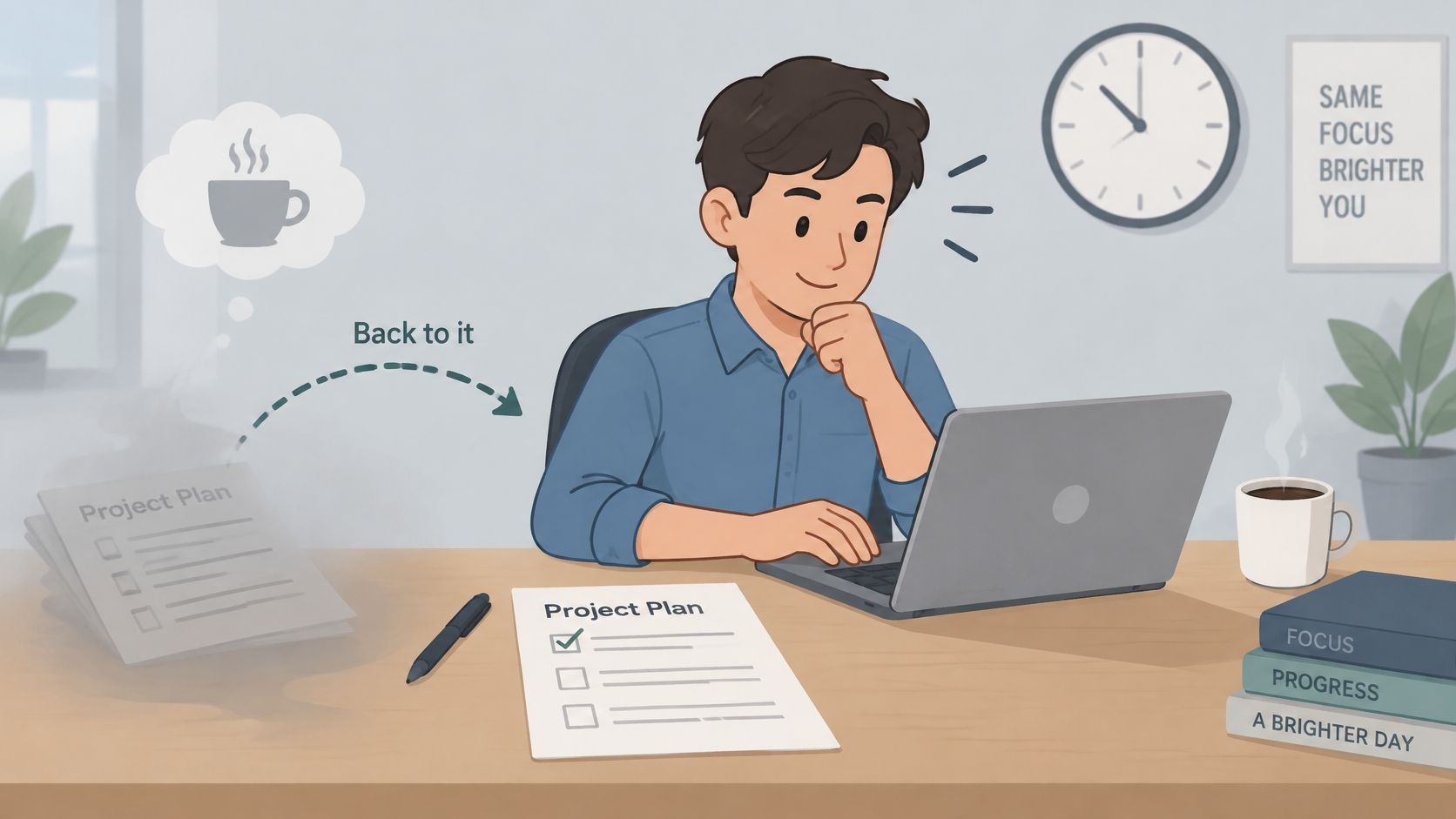
The often-quoted 23 minutes and 15 seconds is not a fixed refocusing time. Reporting on Gloria Mark's observational research describes 36 workers shadowed over three days. Of interrupted work episodes resumed that day, 81.9% were eventually resumed, with an average return interval of 23 minutes and 15 seconds (The Why We Project's summary of the research). That interval includes what happened between leaving and resuming the task.
Use a three-step restart:
- Before switching, write where you stopped and the next action. For a longer interruption, add what you've decided and any open question.
- When you return, read the note and do that action first. Don't reopen email or chat unless the task requires it.
- For one week, track time to real progress. Look for interruptions that repeatedly make the return harder.
A useful note says, "Check whether the budget section includes contractors, then revise paragraph two." "Budget section" won't help much after a long call. Keep notes in one notebook or file so you can spot patterns.
Set Up Your Workspace and Daily Routine
Make the desired behavior easier: clear your main work area, close chat and email during focus blocks, and keep only time-sensitive notifications on.
Make information easier to find, too. In CAKE.com's 2025 survey of employees, 47% reported spending 1 to 5 hours a day finding needed information (CAKE.com workplace statistics). Give shared files searchable names, keep repeat answers in one document, and point teammates to it instead of answering the same question each time.
Test this daily sequence for one or two weeks:
- Plan for five minutes. Choose up to three priorities and name the first action for each.
- Put a focus block where it fits. If morning inbox checks are essential to your role, schedule the block after them.
- Batch replies when you can. Pick check-in times that meet your team's response needs.
- Shut down with tomorrow's first task. Record any open loops before you leave.
If a meeting moves or an urgent request arrives, shift the block rather than treating the day as lost. Use your interruption log to find a time that holds more often.
Fix What Keeps Breaking Your Focus
If a protected block still falls apart, look beyond the calendar:
- Too much work: Compare the hours required with the hours available. Defer a task or ask which priority should move.
- Low energy: Check whether sleep, food, water, or a break would help before changing your productivity system again.
- A task you dread: Reduce the first step to something concrete, such as opening the file and writing a heading.
- An unresolved question: Write down what you need to decide or ask before you can continue.
- Work that feels disconnected: Clarify why the task matters or discuss whether it still belongs on your list.
If the work needs more hours than you have, bring the trade-off to your manager: what you can finish, what needs to move, and what support would change the plan. A focus technique cannot create missing hours.
Pick One Change to Test
Choose the fix that matches your biggest drain: a protected block, response windows, a restart note, or a better reference document. Test it for five workdays and track one measure, such as interruptions per day or minutes until you make progress after returning.
If it doesn't help, adjust one part and test again. A shorter block or a different reply window may fit your work better. If two rounds fail, revisit the workload, energy, or task itself.
FocusJourney offers a free 60-minute strategy call to explore what's keeping you stuck, clarify what matters most, and identify practical next steps.
Put one focus block on your calendar. Before it starts, write the result you want and the first action you'll take.
FocusJourney helps people build focus around a real workload. Its coaching combines conversation with practical systems, and its free Focus Audit maps attention across clarity, beliefs, biology, and environment. Visit FocusJourney to book a free strategy call.
Drafted with the Outrank app